A biometric attendance system recognizes an individual using aspects such as their fingerprint or face. It can then record when they come and go. It is used in Pakistani schools, offices and factories to prevent people from clocking in for others. It also provides reliable information for school or company reports and payroll. Below is an overview of how this system operates. Different options are outlined, and factors to consider when purchasing a system are detailed.
In Summary
- Biometrics recognize individuals using elements such as fingerprints or faces. This prevents people from clocking in for others.
- An enrolment process is followed. Then, each time an individual clocks in or out, the system analyses the recognised element and transmits information regarding the time of attendance to your HR or school software.
- Generally, fingerprint recognition is a good choice for offices and schools. Face recognition is frequently appropriate for factories because people there often have dirty or wet hands.
- Attaching biometric equipment to school or HR software enables information to be automatically transferred to reports and payroll, eliminating the need to manually re-enter data.
- Consider contingencies for when there is no electricity or internet, and also think about data security and staff training.
Overview of Biometric Attendance
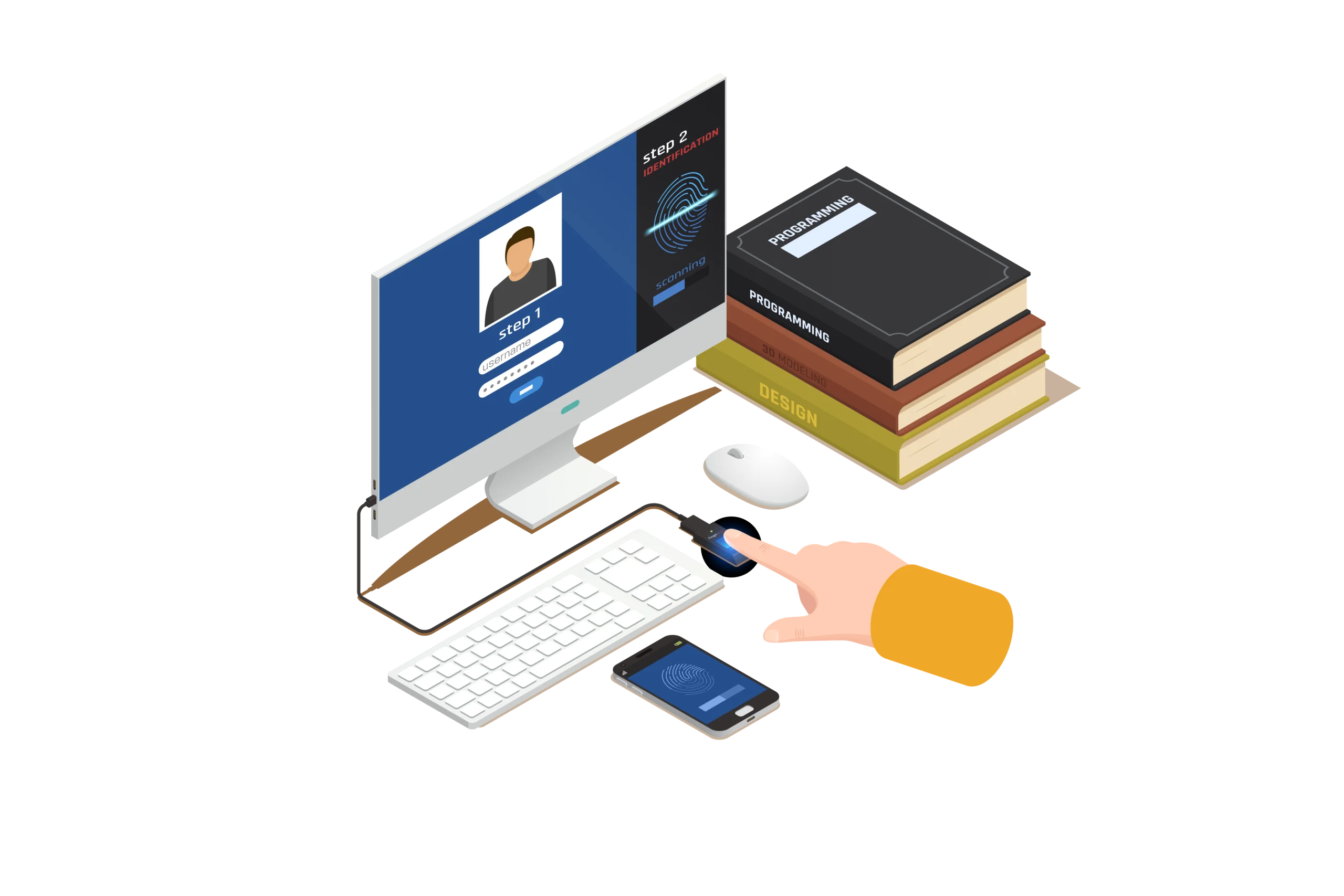
A biometric attendance system involves hardware and software. The hardware analyses a physical element, and the software recognizes which individual it relates to. The system then records the time of entry or exit. This is a much more difficult-to-fake alternative to paper, handwritten and shared clock-in systems.
Day-to-Day Operation
Following an initial enrolment process, individuals clock in and out by scanning their fingerprint or face. Most systems create and store what is known as a ‘digital template’. Automating attendance and other administrative processes can reduce repetitive work and improve efficiency. Read our article on what workflow automation is, its examples, benefits and how it works to learn more.
Clock In/Out
As previously mentioned, individuals clock in and out via the biometric equipment.
Recognize
The equipment analyses the newly scanned element and identifies the individual.
Record
It then adds details of the individual, along with the time and equipment location, to the attendance record.
Transfer
That record is then transmitted to biometric attendance software. This analyses the information to establish working hours, lateness and days off.
Prismatic’s HRM software can link to biometric equipment (fingerprint, face and/or RFID) to provide live attendance information. Information is therefore automatically transferred to absence and payroll reports, and there is no requirement to enter data manually.
Types of Biometric Attendance Equipment
| Type | Description | Optimal for | Points to note |
|---|---|---|---|
| Fingerprint | Fingerprint ridges are analyzed | Offices, schools and retail | Unclean, damp and/or damaged fingers may result in the equipment not working correctly |
| Face | Features of a person’s face are recognized by a camera | Factories, high-traffic areas and places where high levels of cleanliness are required | Good lighting and correct camera positioning are important |
| RFID card | A card is waved over the equipment. However, this is not biometric in itself | Secondary system or large gates | As cards can be borrowed or lost, it is advisable to use them alongside biometric equipment |
| Iris/Palm | Eye or palm patterns are analyzed | High-security areas | Generally more expensive, and fewer suppliers provide this service |
Biometric Attendance System for Schools
Whilst predominantly used for staff in schools, biometric attendance can also be used for pupils. Attendance details, such as which individuals were present, whether they were late and which school campus they attended, can then be obtained. Ensure that the equipment is appropriate for your student age range.
It is most effective for attendance information to be within the same system as fee, exam and parent information. Prismatic’s LMS software can manage both manual and biometric attendance and provides live attendance information along with automatic report generation. Data can also be shared between different school branch sites.
Refer to our article on school management software to view how attendance links to fee, exam and admissions information. Furthermore, our article detailing why schools require learning management systems expands upon this.
If your school also requires an online presence for admissions and for communicating with parents, then Prismatic Digital Solutions can provide web design and digital marketing services.
Biometric Attendance System for Offices
Accurate data is generally required for an office’s staff hours, shift information, absences and lateness. Typically, just one fingerprint or face recognition terminal is required at an office entrance.
Benefits arise from attendance information being automatically transferred to HR data. For further information, refer to our article on managing absence and hours within HRM software.
Errors in payroll are commonly encountered. Find out how automatically transferring attendance data to payroll minimizes the need for manual error rectification and helps inform your system selection.
Biometric Attendance for Factories and Shift Work
Factories often have high staff numbers, operate multiple shifts and utilize more than one gate. In addition, they can suffer from dusty and oily environments, and staff may also have damp hands, all of which can affect fingerprint equipment operation.
Frequently, for factory floor use, either face recognition or a secondary RFID card system is a better option. Evaluate the chosen equipment in actual factory conditions.
Attendance information is also valuable for managing staff overtime and shifts. Should your data be held on separate spreadsheets, find out how ERP software can combine manufacturing and staff information for small manufacturers.
Advantages and Disadvantages of a Biometric Attendance System
| Advantages | Disadvantages |
|---|---|
| Prevents staff from clocking in for each other | Initial set-up, ongoing maintenance and equipment can be costly |
| Provides precise timing data for payroll | Biometric equipment can misrecognize people if there is dirt, staff are injured or lighting is inadequate |
| Reduces paperwork and data entry | Equipment generally requires electricity and often internet access for data transfer |
| Maintains a good history of who attends and when | Staff may have data security concerns |
Biometric Attendance System Price and Costs
System costs will vary according to equipment type, quantity of equipment and gates, the number of users, software subscription level, and installation and training.
Obtain a quotation that itemizes equipment, software and support costs so you can effectively compare different options.
Currently, Prismatic’s HRM page shows that the Professional plan includes synchronization with biometric hardware machines. Please check the HRM software page or contact our team for up-to-date information about the biometric attendance system price and available features.
Points to Consider When Purchasing a Biometric Attendance System
Before purchasing a biometric attendance management system, consider the following points:
- Equipment precision in your environment (evaluate on-site).
- A secondary system (for example, a PIN or card).
- On-site data storage with the facility to re-synchronize once connectivity is restored.
- Compatibility with your HR, payroll and/or school software.
- Multi-branch and future business compatibility.
- Data template storage, including who is permitted to view it and for how long.
- Staff training and information regarding what data is collected.
As biometric data is highly personal, explain what information is gathered and why. Control who can view it and ensure that you understand the relevant regulations for your organization.
Ready to Implement a Biometric Attendance System?
Should you be uncertain about which equipment and/or software would be appropriate for your school, office or factory, please contact Prismatic Technologies in Lahore and provide details of your staff numbers, locations and existing attendance procedures.
Our team can advise on an appropriate solution utilizing HRM or LMS software. Arrange a demonstration or contact us directly.
Email: info@prismatic-technologies.com
Telephone: +923078881432
Address: 71 C, 3, Block C3 Block C 3 Gulberg III, Lahore, Punjab 54660, Pakistan
FAQs
1. What does a biometric attendance system involve?
It recognizes a person using elements such as their fingerprint or face and also records when they clock in and out.
2. Which is preferable: fingerprint or face recognition?
Fingerprint technology is a good option for use in clean, indoor areas. Often, however, face recognition is more appropriate for dirty or damp environments. Evaluate both options on-site.
3. Can biometric equipment link to payroll or school software?
Yes, provided that your software is compatible with your equipment. Both Prismatic’s HRM and LMS software can support biometric attendance.
4. Is biometric data secure?
Whilst most systems hold just a digital template rather than an image, enquire about how data is stored, who can access it and for what duration.
5. Can biometric attendance equipment function without the internet?
Many biometric devices have the facility to hold data and then subsequently synchronize it. Check this with the equipment provider.
6. Can schools implement biometric attendance for pupils?
Yes, they can. Ensure that your equipment is appropriate for young children and inform parents about what data is collected.