If you are new to online training or education technology, you have probably come across the term cloud based LMS more than once. It sounds technical, but the idea behind it is actually simple. A cloud based lms is a learning platform that lives on the internet instead of on your company’s own servers. This guide will walk you through everything a beginner needs to know, from what it actually does to how to choose the right one for your team or school.
By the end of this article, you will understand how a cloud based learning management system lms software works, why so many schools and businesses are switching to it, and what to look for before you sign up for one.
What Does Cloud Based LMS Actually Mean
An LMS, or learning management system, is software used to create, deliver, and track training or educational content. When we add the word cloud to it, we mean the software runs on the internet rather than being installed on a physical computer or server inside your building.
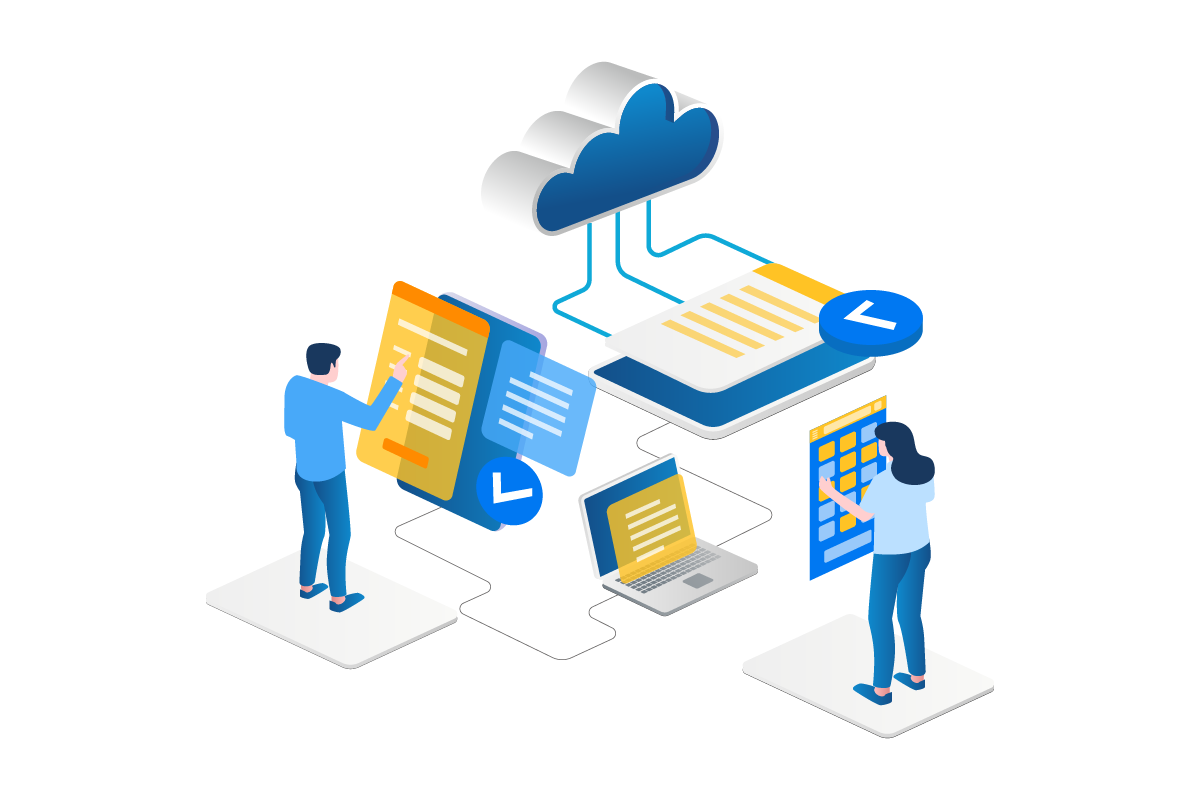
With a cloud lms, you simply log in through a web browser to access your courses, track student progress, and manage content. There is no need to install anything on individual computers, and updates happen automatically in the background. This is very different from older systems that required IT staff to install and maintain software on local machines.
How a Cloud LMS Is Different From a Traditional LMS
Traditional learning management systems used to be installed directly on a company’s own servers. This meant businesses needed dedicated IT staff to handle installation, updates, and daily maintenance. If something broke, someone in house had to fix it.
A cloud based lms solution removes this burden completely. The provider hosts everything on their own servers, so you never have to worry about hardware failures, manual backups, or software updates. You just log in and use the platform, while the technical side is handled behind the scenes by the company that built it.
This shift has made learning platforms far more accessible, especially for small businesses and schools that do not have a large IT budget or dedicated technical team.
Why So Many Organizations Are Switching to Cloud LMS Platforms
More schools, universities, and companies are moving away from traditional systems every year. There are a few clear reasons behind this shift.
First, cloud systems are much easier to set up. Instead of waiting weeks for installation and configuration, you can often start using a cloud based lms within a day or two of signing up.
Second, cost savings play a big role. Since you do not need to buy or maintain physical servers, your overall technology costs drop significantly. Most providers charge a simple subscription fee based on the number of users, which makes budgeting much easier.
Third, accessibility matters more than ever. With remote work and online learning becoming standard, people need to access training materials from home, from a coffee shop, or while traveling. A cloud system makes this possible since all you need is an internet connection and a web browser.
Key Features to Expect From a Good Cloud LMS
Every learning platform is a little different, but there are certain features that any solid cloud based learning management system should offer.
Simple Course Creation Tools
You should be able to build courses without needing coding knowledge. Most platforms offer drag and drop tools, templates, and simple upload options for videos, documents, and quizzes.
Progress Tracking and Reporting
A good system tracks how learners move through each course, how long they spend on each section, and how well they perform on assessments. This data helps instructors and managers understand where learners might be struggling.
Mobile Friendly Access
Since people often learn on the go, your LMS should work well on phones and tablets, not just desktop computers. This becomes especially important for corporate training programs where employees might complete modules during breaks or while traveling.
Automatic Updates and Maintenance
One of the biggest advantages of cloud systems is that the provider handles all software updates automatically. This means you always have access to the newest features and security patches without lifting a finger.
Integration With Other Tools
Look for a platform that connects with tools you already use, such as video conferencing software, HR systems, or communication apps. This makes the learning experience smoother for both instructors and students.
How to Choose the Best Cloud Based LMS for Your Needs
With so many options available, picking the right platform can feel overwhelming. Here are a few practical steps to make the decision easier.
Start by identifying your specific goals. Are you training new employees, running an online course business, or managing a school’s curriculum? Different platforms specialize in different use cases, so knowing your primary goal narrows down your options quickly.
Next, think about your budget. Pricing for cloud lms solutions varies widely, from free basic plans to more advanced systems with higher monthly costs based on user count. Set a realistic budget before you start comparing providers.
Test a few platforms using free trials whenever possible. Upload a sample course, invite a few test users, and see how the platform actually feels in daily use. This gives you a much clearer picture than reading marketing pages alone.
Finally, check reviews from organizations similar to yours. What works well for a large university might not be the right fit for a small business running short employee training modules.
Benefits of Using a Cloud Based Learning Management System
There are several clear advantages to choosing a cloud based platform over older, locally installed systems.
Lower Upfront Costs
Since there is no hardware to purchase, startup costs are much lower. Most cloud based lms providers use a subscription model, so you pay only for what you actually use.
Easier Scalability
As your organization grows, you can simply add more users to your plan instead of purchasing new servers or additional software licenses. This makes cloud systems ideal for businesses expecting growth over the next few years.
Better Collaboration
Cloud platforms often include built in discussion boards, messaging tools, and group project features. This makes it easier for learners to collaborate with each other and with instructors, even when everyone is in different locations.
Stronger Security
Reputable cloud providers invest heavily in security, often offering better protection than a small business or school could manage on its own. Regular backups and encrypted data storage are usually included as standard features.
Continuous Updates
Since the provider manages the platform, you always have access to the latest tools and features without needing to plan and pay for a major system upgrade every few years.
Common Use Cases for Cloud LMS Platforms
Different types of organizations use cloud based learning platforms in different ways. Understanding these use cases can help you see where this technology fits into your own plans.
Corporate Training
Businesses use a cloud based learning management system lms to onboard new employees, deliver compliance training, and build skills across departments. Since employees can access training anytime, this reduces the need for scheduled in person sessions.
Higher Education
Universities and colleges use cloud platforms to deliver both fully online courses and blended learning programs that combine in person and online instruction. Students can access lectures, assignments, and grades all in one place.
K through 12 Schools
Many schools now use cloud based systems to manage assignments, track student progress, and communicate with parents. This became especially common after many schools needed remote learning options.
Online Course Businesses
Entrepreneurs and course creators use cloud platforms to sell and deliver courses to students around the world. Since the platform handles hosting and delivery, creators can focus on building great content instead of managing technical infrastructure.
Nonprofit and Community Training
Nonprofits often use cloud based systems to train volunteers or deliver community education programs, since the lower cost structure fits tighter budgets better than traditional systems.
What to Look for in the Best Cloud LMS Providers
When comparing the best cloud lms options, focus on a few key factors that matter most for long term success.
Look at customer support quality first. Since your entire system depends on the provider, you want a company that offers responsive help through live chat, email, or phone support when issues come up.
Check how easy the platform is to customize. Some organizations need very specific branding, course structures, or reporting formats, so flexibility matters if your needs are unique.
Review the pricing structure carefully. Some cloud based lms solution providers charge based on active users, while others charge a flat fee regardless of how many people log in. Understanding this difference helps you avoid unexpected costs as your user base grows.
Finally, look at how well the platform handles different types of content. If you plan to use a lot of video, interactive quizzes, or downloadable resources, make sure the platform supports these formats smoothly without extra fees.
Mistakes to Avoid When Choosing a Cloud LMS
One common mistake is choosing a platform based only on price without checking if it actually supports your content needs. A cheap plan that cannot handle video lessons or interactive quizzes might end up costing you more time and frustration later.
Another mistake is skipping the trial period. Even if a platform looks great in a sales demo, actually building a course and testing it as a real user gives you a much better sense of daily usability.
Some organizations also forget to plan for growth. Choosing a system that only supports your current number of users can create problems later if you need to scale up quickly.
Lastly, do not ignore the mobile experience. If your learners are likely to access content from their phones, a platform with a poor mobile interface can hurt engagement and completion rates significantly.
The Future of Cloud Based Learning Management Systems
As more organizations continue moving toward remote and flexible work and education models, cloud based systems are becoming the standard rather than the exception. Providers continue to add features like artificial intelligence powered recommendations, automated grading, and deeper analytics to help instructors understand learner behavior better.
This means choosing a strong cloud based lms today sets your organization up well for future growth, since most providers continue updating their platforms regularly to keep pace with new technology and changing learner expectations.
How Prismatic Technologies Helps Businesses Get Started With a Cloud-Based LMS
Choosing and setting up the right cloud based LMS can feel like a big task, especially if you are new to online learning platforms. Prismatic Technologies works with businesses, schools, and course creators to select, customize, and implement a cloud based learning management system that actually fits their goals and budget. From evaluating the best platform for your specific use case to handling setup, course structuring, and staff training, Prismatic Technologies helps you get your learning platform running smoothly without the usual trial and error. Whether you need a simple system for employee onboarding or a full scale platform for a growing online course business, their team can guide you through every step of the process.
FAQs
What is a cloud based LMS?
A cloud based LMS is a learning management system hosted online, letting users access courses and track progress from any device with internet access.
How is a cloud LMS different from a regular LMS?
A cloud LMS runs on the provider’s servers, while a traditional LMS is installed and maintained on your own local hardware.
Is a cloud based LMS expensive?
Most cloud LMS platforms use affordable subscription pricing, which makes them more budget friendly than traditional installed systems.
Can I access a cloud LMS from my phone?
Yes, most cloud based learning platforms are designed to work smoothly on mobile devices, including phones and tablets.
Is a cloud LMS secure?
Yes, reputable providers use strong encryption and regular backups, which often makes cloud systems safer than local storage alone.
Who uses cloud based learning management systems?
Businesses, schools, universities, nonprofits, and online course creators all use cloud based systems to deliver and manage training content.
Do I need technical skills to use a cloud LMS?
No, most platforms are built with simple drag and drop tools, so you do not need coding knowledge to create or manage courses.
Can a cloud LMS grow with my organization?
Yes, most providers let you add more users or features easily, making it simple to scale your platform as your needs change.